Do not let connectivity hold up your work
Sometimes you just want to get the class file, your video call won't be interrupted, or the card tool will open; Not to look for a new link every day and not understand that the problem is with the Internet, the program or the server itself
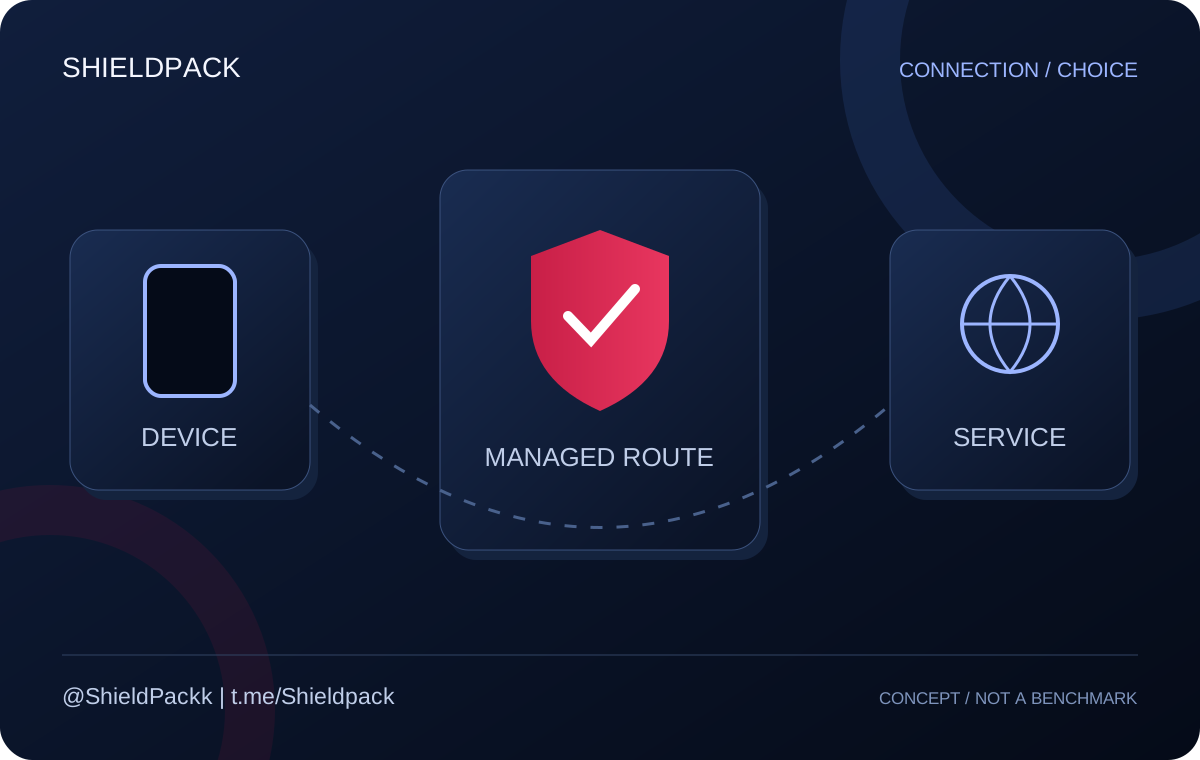
ShieldPack provides connection service and selection guide for this route; Say the name of the device, internet and your application so that you have a good start from the options, then test the result on the same internet that you use every day.
V2Ray, multiprotocol or unlimited? Start with your needs
These three names are not the same promise; If you move between locations, install on a modem, or just want a high volume for daily use, your selection criteria will be different.
| Option | Why should it be checked? | What should be clarified before buying? |
|---|---|---|
| Regular or VIP subscription to V2Ray | Daily use and choice of route and location | Active countries, volume, IP type and conditions of the same plan |
| Volumetric multiprotocol | Multiple devices or compatible modems with multiple connection methods | Applicable protocol, volume and number of simultaneous connections |
| Unlimited plan introduced | High-volume daily consumption, accepting IP change | Active country, number of users and possibility to periodically change IP |
The unlimited plan of Germany comes in the introduction of the channel with periodic IP; Confirm the daily conditions of each plan separately
ShieldPack related notice[1] [2] · Check the conditions and balance of the day separately
One subscription, four connection methods
OpenVPN · WireGuard · Cisco · L2TP; In multiprotocol, you don't need to make a separate purchase for each protocol name; According to the device and network conditions, you choose the compatible method
The new introduction of this service explains the volume plan with support for up to 10 simultaneous users; This number does not mean separate and unlimited bandwidth for each person, and simultaneous consumption is divided between users.
For the modem, the exact device model and software version are important; The term "can be installed on the modem" does not mean compatibility with every modem on the market and support should check the possibility of setting before purchase.
- For the phone, get the login method and the compatible app from the same guide
- For the family, consider the number of devices and simultaneous consumption in choosing the volume
- For the modem, send a photo of the model or the exact name of the device before paying
ShieldPack related notice[1] · Check the conditions and balance of the day separately
An unknown configuration or a service with accountable support?
The problem of a public configuration is not only that it is free; The problem is that you may not know who is managing it, how many people have the same access, and who to go to if it goes down tomorrow.
On the other hand, being a program in the market or being paid for a service is not a security document by itself; The right comparison should bring together the identity of the provider, data policy, type of access and possibility of tracking
| Criterion | Generic config with unknown source | Free app with specific provider | ShieldPack managed service |
|---|---|---|---|
| Manager and follow-up path | May not be known or available | It depends on the manufacturer, the contact method and the conditions of the same program | Ordering and follow-up from the ShieldPack bot and support |
| Change server or settings | The link may change without notice | The mechanism of the program and its notification should be checked | Changes and update guide from ShieldPack routes |
| Congestion and capacity | The number of consumers is usually not clear to the recipient | Depends on resources and free delivery model | infrastructure under the management of the collection; The result requires testing on your own internet |
| Privacy | Data registration conditions may not be available | Read the data policy, licenses and revenue method | Ask the type of data registration and terms of use from ShieldPack; We do not claim no logs on this page |
| Setting on the device | Often a link without a guide tailored to the device | Experience and compatibility depend on the program itself | Panel guide and problem check with device and operator information |
| Actual price and cost | no initial payment; Calculate the search and follow-up time | May contain advertising, restrictions or in-app purchases | The plan prices and terms of use are determined before ordering |
Free does not equal unsafe and paid does not equal safe; This table compares the difference in transparency and presentation, not the result of a security audit
Your subscription and support after purchase
In the subscription panel, you can see the volume, time and configurations; In the introduction of channel features, text and QR reception, single copy of configs and guide of compatible programs are explained.
When network changes are applied, updating the subscription helps to retrieve the list of servers; You don't have to buy a new account or change irrelevant device settings when you see the first error
-
First, internet and subscription credit
Check the activation of the internet package, the time of the device, the volume and the duration of the subscription
-
After the program and the list of servers
Use the valid version of the program and update the subscription with the help of the panel
-
Finally, the report can be reviewed
Provide operator name, device model and error text to support without sending private password and link in public space
ShieldPack related notice[1] [2] [3] · Check the conditions and balance of the day separately
For sensitive accounts, the label “static IP” is not enough
IP can change due to changing infrastructure or network conditions; The channel itself has explained the possibility of change in the service announcements, so do not base your decision on any permanent promise for the exchange, financial services or important account.
Account country rules, authentication, destination service conditions and payment method are not removed by changing the internet path; Choose the connection for better access, not to guarantee account verification or hide identity in the authentication process
Encrypted connection is not a substitute for device security, HTTPS and credential protection; For sensitive work, ask the conditions of data registration and maintenance of service information before use
ShieldPack related notice[1] [2] · Check the conditions and balance of the day separately
Start with a short trial and choose with confidence
Specify the names of the programs you use the most, the operator, the number of devices and your usage limits; These four items are usually more useful than choosing based solely on the cheapest price tag
Do the free test at the actual usage time and conditions; If the service is not suitable for what you need, raise the issue with support before purchasing so that another option can be considered
Frequently asked questions
Does international access service remove all restrictions?
no Network limitation is only one factor. Account country, authentication, payment method and destination service rules may impose restrictions independent of connection
Which protocol should I choose?
Multiprotocol ShieldPack includes OpenVPN, WireGuard, Cisco and L2TP. Make the right choice according to the device, operator and test result
Can I use it on my modem?
Can be checked for compatible modems. Declare the desired modem model and plan to support before purchasing; Not all modems support the same connection method
Is the unlimited plan suitable for an account with a sensitive IP?
The periodic change of IP is mentioned in the introduction of the unlimited plan; For a sensitive need, you should check the conditions of the right option separately, not just using unlimitedness as a criterion
Is the dedicated IP service only for me?
No, dedicated infrastructure management is not the same as a dedicated IP or server for a customer; Exclusive service must be agreed separately
Is free config always dangerous?
No, source, data policy and settings matter; Anonymous configuration is not the same as transparent and valid free service, and being paid does not prove security by itself.
How can I place an order and where can I see the prices?
All ShieldPack services can be ordered from the bot and current prices can be seen in the bot; If you find it difficult to work with the bot, order from the Telegram support account or Instagram Direct, and the ShieldPack team will guide you.