
First identify the type of lag
If the image becomes fragmented or the phone heats up, the problem may be the frame rate; If the movement of competitors jumps, the command is executed late or the connection is intermittent, it is also necessary to check the network.
Ping reduction service works on communication path, not processor and graphics power; Therefore, before any purchase, we must find the difference between frame loss and network delay
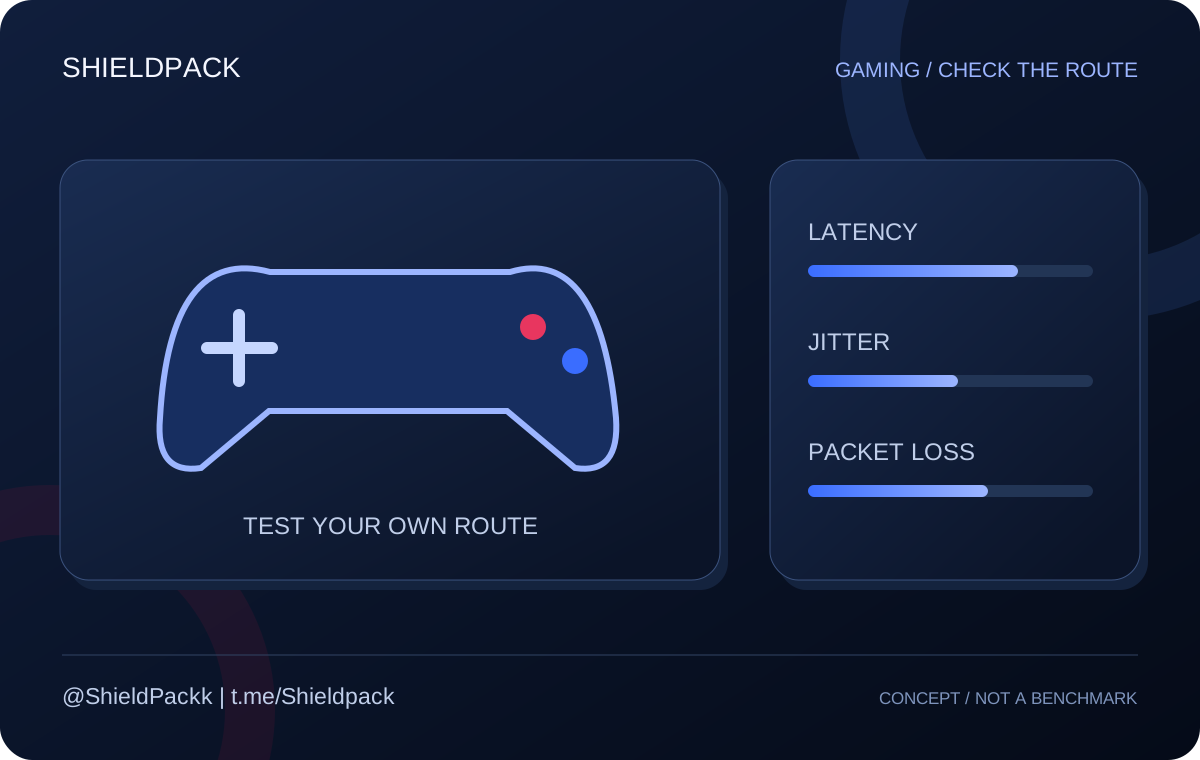
Three metrics to consider together
The lowest number on a screenshot doesn't always make for the best experience; A connection may have low ping momentarily, but with high fluctuation or packet loss, it can make the game unstable.
| Criterion | Simple meaning | What should you pay attention to in the game? |
|---|---|---|
| Ping | Communication round trip time | Command execution delay and time difference with the server |
| jitter | Up and down delay | Sudden jumps and erratic experience even with a good average |
| Packets | Part of the packages did not arrive | Disconnection or loss of part of the connection |
No number in this image or table is a guaranteed service result or benchmark for all users
For PUBG, Call of Duty or any game, use the same server for testing
For PUBG Mobile and Call of Duty Mobile, server region and game time affect the result; If a test is done on a different server or at a quiet hour, it's not fair to compare it to a busy night
The same is true for computer games; The name of the game alone is not enough to choose the path and the server region, operator and the type of home or mobile connection must be specified
Stop background downloads and heavy updates before testing; If you play on Wi-Fi, consider the distance from the modem and the interference of the wireless network
A useful before-and-after test
A few minutes of playing in similar conditions is more useful than a selected number for promotion; If the new route on the same Internet does not give better results, you do not need to buy it just because of the name of the service
-
Register without service
Note the ping, swing, packet loss, and feel of control in your game and normal area
-
Try again with the service
keep the same device and region; Use several similar tests, not a lucky moment
-
Send the result with context
Send operator name, city, game, region and test time to support; A weak result is also useful for choosing the next path
Why an unknown configuration is not always a good gaming choice
A general config may work for opening the site, but in Mach, due to a longer path or congestion, it will not have a good result; A successful connection is not the sole measure of a gaming service
In ShieldPack, you can get help about the route and location from the support and measure the result with the same game server; Service management does not mean removing the operator's internet restriction or guaranteeing a win in the game
| status | What is known? | next step |
|---|---|---|
| General config without path description | You only see the connection; The result of the game is not yet known | Take a similar test before playing seriously |
| ShieldPack service path | The way to follow up and the possibility of checking the result on the Internet is clear | Send the operator, the game area and the result before and after |
| Frame drop or the problem of the game itself | Changing the route doesn't necessarily help | Check the device settings and game server status separately |
A ping of 32 is an example, not a guarantee
PUBG Mobile test sample with ping 32 has been introduced on the ShieldPack channel; That video is the result of the same device, internet, and recording conditions, not the 32 number commitment for all users
To buy, let your own experience be the criterion; A route can be good on mobile internet and different on fixed internet, even if both are in the same city
ShieldPack related notice[1] · Check the conditions and balance of the day separately
Set up before the match
Check the compatible app and the updated version, the device's automatic clock and the activation of the subscription before entering the wrist; Do not leave the subscription link and login information in the public group of players
If several people use the home internet at the same time, do the test in the same conditions as usual; The result of a quiet internet is not necessarily a rush hour experience at home
ShieldPack related notice[1] · Check the conditions and balance of the day separately
Frequently asked questions
Is a certain ping guaranteed?
no The result is internet function, location, server and network status. A personal test before purchase is a more appropriate measure than a fixed advertising number
Does the lag caused by the frame drop also be resolved?
Ping mitigation services focus on the network path. Frame drops and device hardware limitations should be checked separately
What information is needed to choose a location?
State the name of the game, server region, operator, city and device type and compare the test results of the suggested routes
Does the ping reduction service definitely increase the download speed?
No, the purpose of this page is to choose the right path for the game; The download speed depends on the internet capacity, destination and route conditions
Is the result of the PUBG video repeated for me?
Not necessarily; The video is a real example in its own conditions and you should test it on your own game and internet
What should I do if the service is connected but the game has not improved?
Tell the server region, operator, test time and the difference between before and after to the support so that a more suitable route can be checked
How can I place an order and where can I see the prices?
All ShieldPack services can be ordered from the bot and current prices can be seen in the bot; If you find it difficult to work with the bot, order from the Telegram support account or Instagram Direct, and the ShieldPack team will guide you.